
 By Mary J. Carey
As videos occupy more space than ever on the internet, it is becoming more and more important to have a good video editor in your digital toolbox. Whether you want to improve the quality of the occasional videos of your family and friends or create your own channel on YouTube, the right video editing software can make your work look professional, even if you are not. One of the most outstanding video editors in terms of price-performance ratio is Wondershare’s Filmora. Not only does it have a really impressive range of tools to help you improve, edit and enhance your video clips, but it has everything for a price that does not require a Hollywood salary.
Features of the image
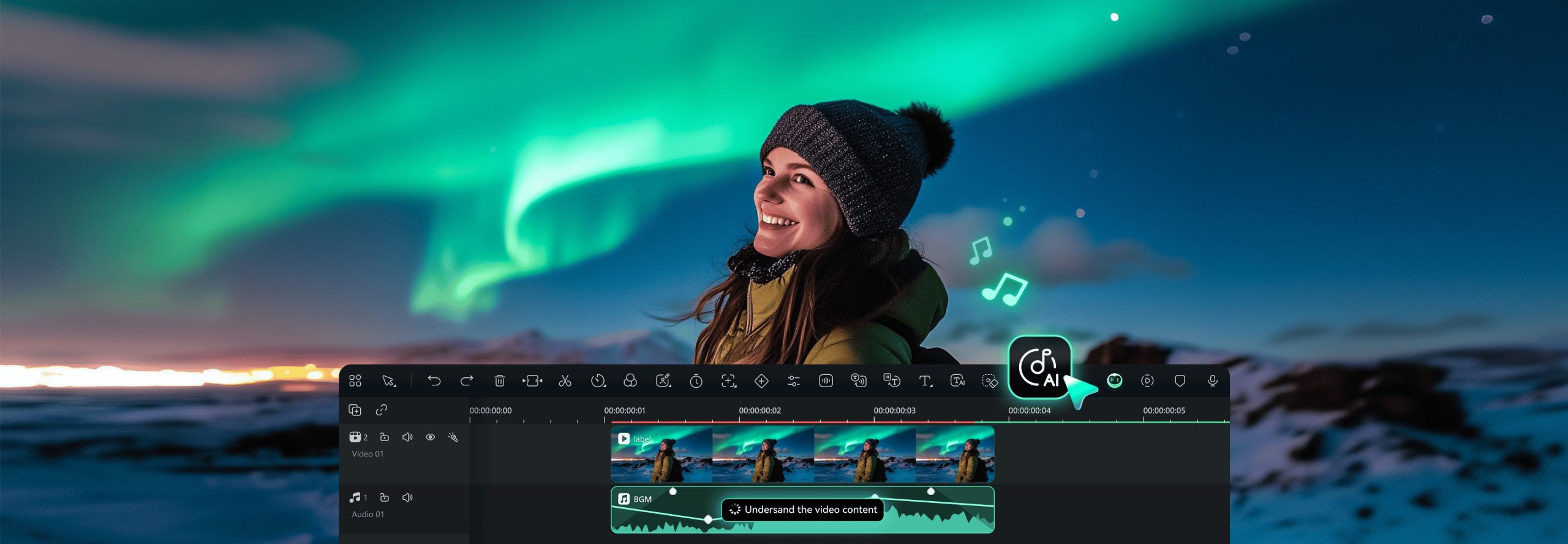
Although you may never need it, Filmora allows you to edit up to 100 different layers – Audio and video-at once. If you are just starting out as a video editor, it may seem overwhelming, but as you develop your skills, you will certainly appreciate the opportunities it opens up to create professional-level Clips. By applying the generous range of transitions, filters and effects integrated into these different levels, you can become a Junior Ken Burns. The recent Version of the software (Filmora 9.3) adds 50 new transitions.
Filmora also allows you to insert and edit text on your scenes, as well as work with split-screen options that can create video effects in the video.
The smart features of the software contribute to its further success in film editing. It can automatically detect scenes and split your video into small clips that you can easily work with. When you move Clips, the software automatically locks them so that there are no gaps in their creation. A green screen function allows you to replace a boring green background with countless other scenes, making you feel like you’re on the beach, even if you’re only in your mother’s basement. And with one-click color correction, your Clips will look better quickly.
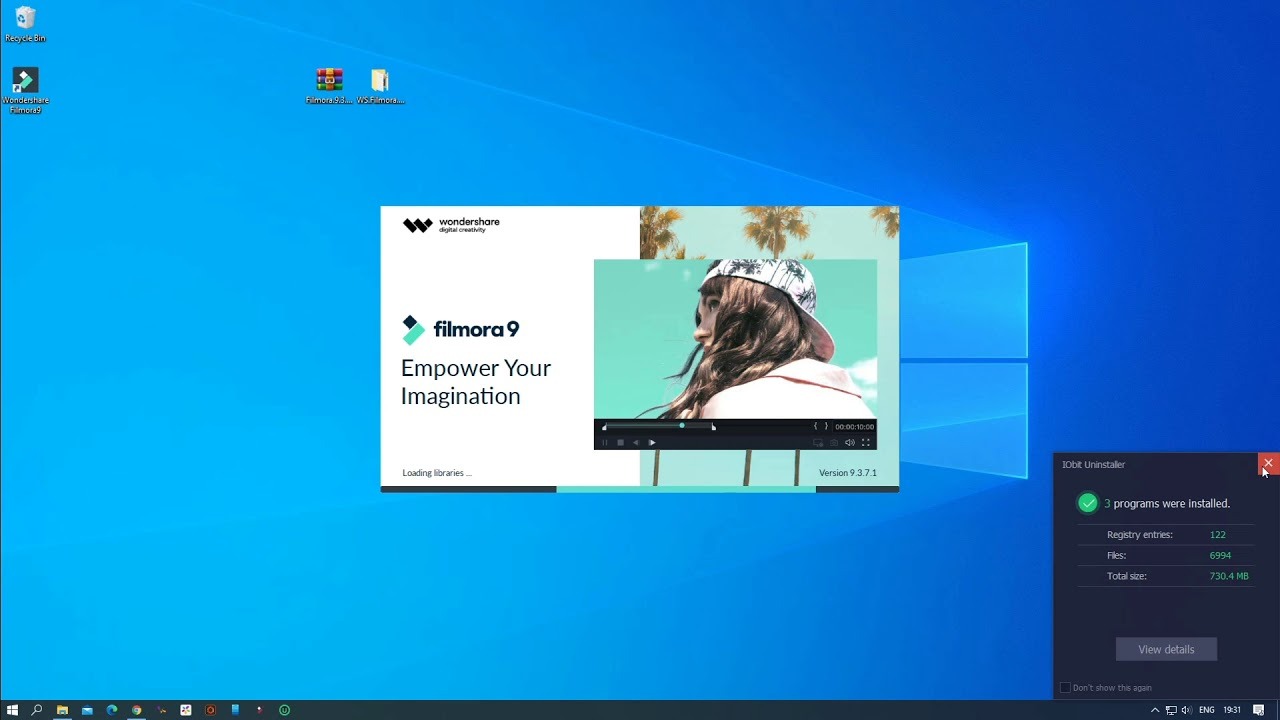
For those looking for a really simple solution, Filmora also offers an “easy mode” in which you can choose from a handful of themes with their own filters, transitions and overlays to give your video clips a boost or turn a series of photos into a moving Montage. In addition, the recent version of the software includes 120 new animated title templates.
Audio Functions
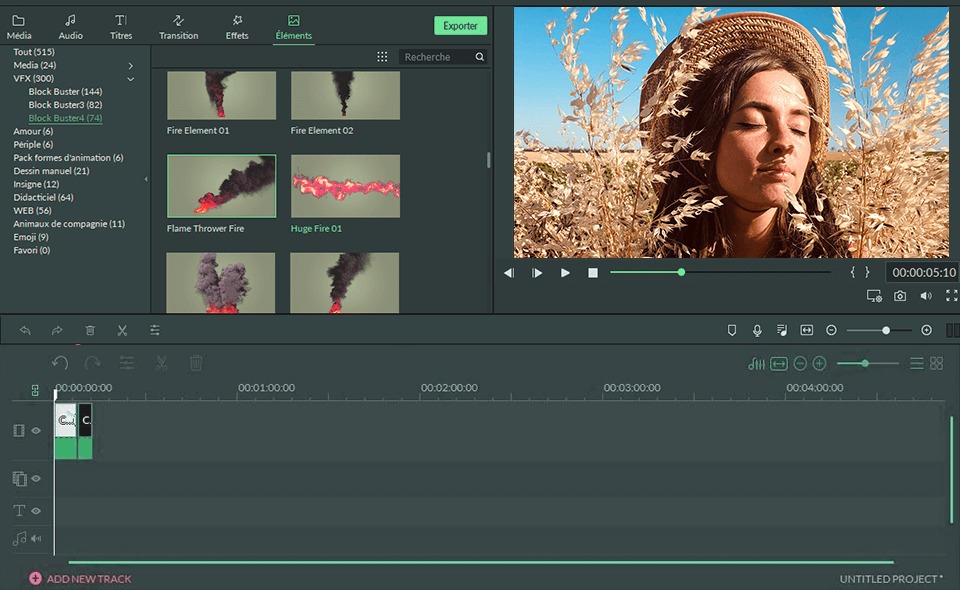
Although Filmora is known as a video editing software, it is just as convenient for managing audio files. The software comes with 22 free audio files that allow you to change a scene simply by what you play behind it – think scary and tense tracks to give even the most innocent video a thrill. In addition, the software allows you to add beat markers to audio clips, which makes it easier to set the right sound clip at the right video moment, and you can reduce background noise and adjust the volume regardless of the Position of the sound source oforigine.la source.